How to Know if Router is Going Bad?
In today’s world, most people are dependent on the internet for their work, studies, or fun. In this situation, if the internet starts lagging, it becomes immensely frustrating and disturbing. So, how to tell if the router is failing or going bad?
Related:
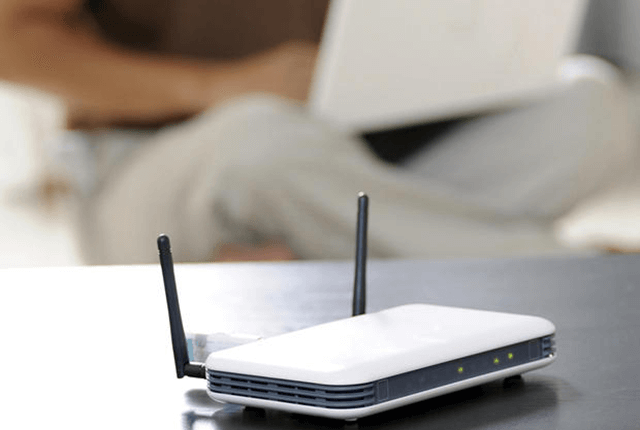
1. Login Problems
If you face login issues and start receiving notifications regarding the connection, you should change your router, or else you will keep facing the problem and have limited internet access. It indicates that the router is faulty.
However, sometimes, the router is not connected correctly, or issues with the USB or Ethernet cable. In this case, you must disconnect the wires of the router and plug those in again. In most cases, the router starts functioning correctly. But in the case of a bad router, you have to get a new one.
2. Sudden Stoppage
It often happens that the router suddenly stops working and loses connectivity. The connection between the router and other devices sometimes disconnects suddenly.
If such fluctuation in signal occurs throughout the day, then it is another sign that the router is out of order. Restarting the router works occasionally, but it is ideal for getting the router checked to detect the real reason.
Also, in some cases, signal inconstancy or the sudden loss of connectivity occurs when there is an extra load of other gadgets on the WiFi network. But in most cases, it is the failing router that causes the problem.
3. Dropped Performance or Slow Connections
Slowing down the internet speed is the primary indication of the operational problem in the router. It affects work online, and the performance of your internet is jeopardized.
So you need to check if there is some issue with the connection to find the reason for the interruption. You can also plug in the router to a different device, check it, change the router, and buy a new one. If you observe that the router is not working for any of the devices, you will understand that it has become obsolete.
4. Non-Responsiveness
The router responds to the instructions that are given to it. But if the router becomes slow at responding to non-responsive, you can disconnect and reconnect it to fix the issue temporarily. You can do it by simply unplugging the router and, after a few minutes, plugging it in again.
It means that the unresponsiveness was due to a queue that cogs up the router if it starts instantly. However, if it still does not work even after being correctly inserted and checked twice, you have to repair or replace the faulty router.
5. Faulty Indicator Lights
The LED indicator lights on the router give us a clear signal of the fact that the internet connection is steady or not. But if these lights show an indication of failure, it means that the router is not working correctly.
Conversely, when all the lights are blinking perfectly, it means the router performs well.
Source: digitalworld839


Nhận xét
Đăng nhận xét